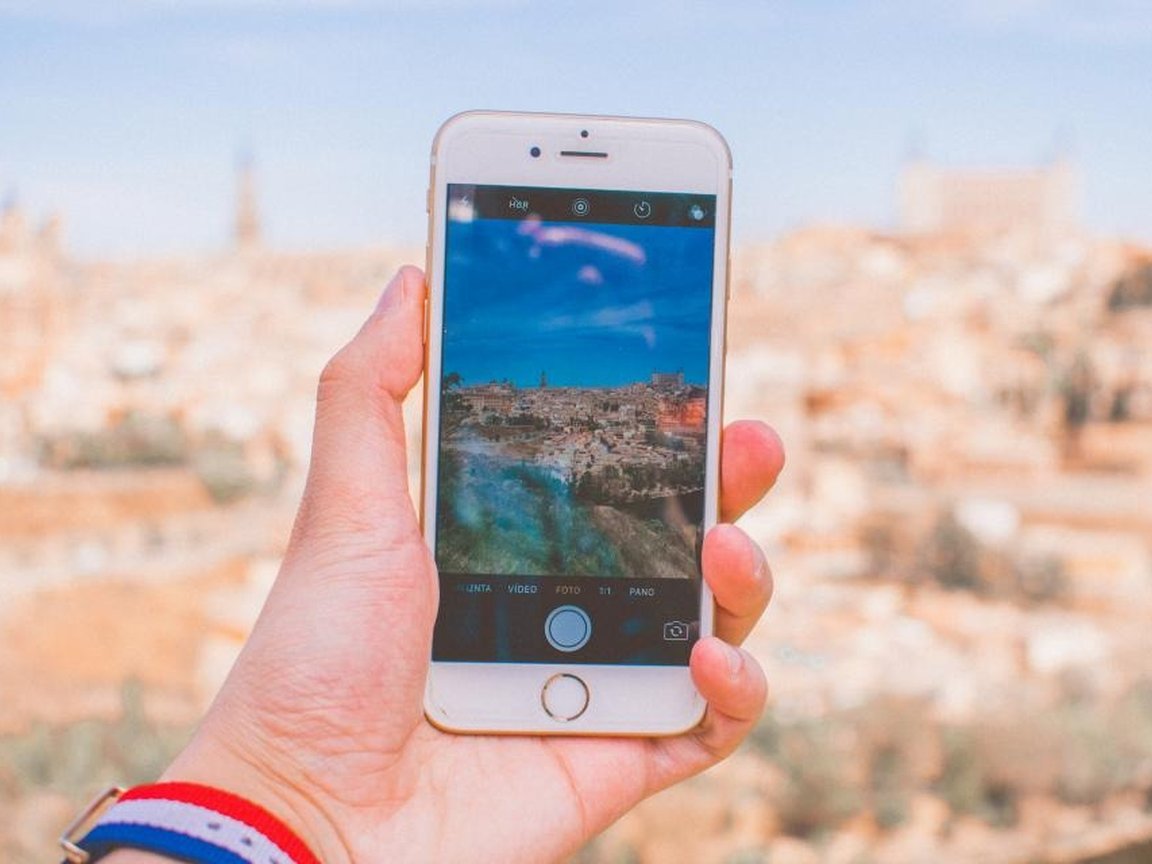
Your Next Adventure Could Change Everything
Join thousands of adventurous women who've discovered that the best travel stories often include a plot twist.
Start Your Adventure – Join Free
✓ Free to join ✓ No credit card required ✓ Join 50,000+ travelers
A travel date phone and data plan is the rule that you arrive with your own working connection, a charged battery, and a way to leave, while your primary number, verification codes, hotspot, and unlocked phone stay off the first meetup. Coordination needs a public pin and a time window. It does not need your phone number.
Gallivanta’s travel-first position is adventure first, sparks welcome, traveler control intact. The phone is one of the controls. It is how you reach a trusted contact, open an offline map, and end the hour on your own. A good conversation can continue in the same app, or at a second public place. It does not need to continue on your personal line.
Published and reviewed: October 5, 2026
This plan sits beside your pre-landing safety plan, your check-in protocol, your location sharing plan, your accommodation privacy plan, and your transportation independence plan. The pre-landing guide already tells you to confirm an eSIM, a charger, and a power bank in one checklist line. This page is the plan those items belong to.
Keep four truths separate. Facts are how phone accounts, emergency numbers, and public networks actually work, with the official pages cited below. Examples are illustrative composites for teaching, not testimonials and not reports about real guests. Assumptions are personal risk tolerances that differ by traveler, city, carrier, and phone. Advice here is operational hygiene for a short public meetup. It is not a guarantee of safety, not legal advice, and not a substitute for your carrier or for local emergency services.
- → Why the phone plan matters
- → Decide what stays offline
- → Arrive with your own connection
- → Skip public Wi-Fi and borrowed hotspots
- → Keep a battery and an offline fallback
- → Protect the number, the codes, and the lock
- → Split what a trusted contact may know
- → Strengthen the plan when risk is higher
- → Recognize phone red flags
- → Use calm phone scripts
- → Run the action checklist
- → Review sources and boundaries
- → Read the FAQ
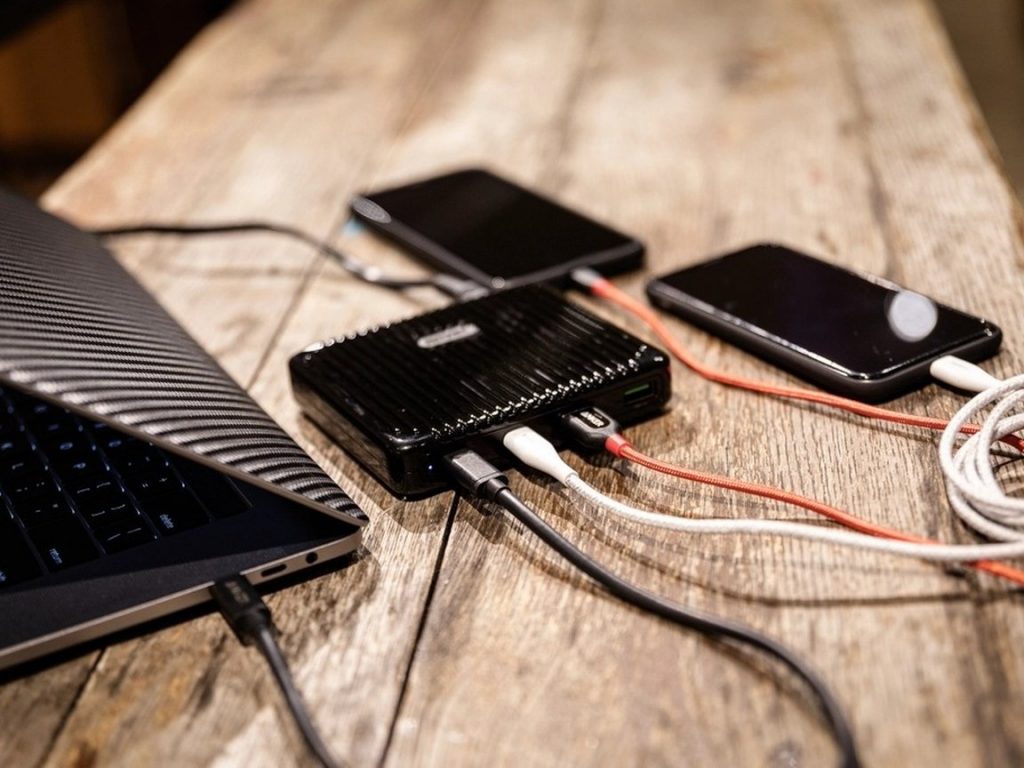
Why a phone and data plan matters on a travel date
Travel dating compresses the usual checks. You may have matched yesterday, landed this morning, and agreed to coffee before you know whether your roaming actually works. In that window the phone is doing three jobs at once. It is your map, your check-in, and the thing a new person may try to turn into a private channel.
Other Gallivanta guides mention the phone in a sentence. The pre-landing list says to confirm the plan. The verification checklist covers whether the person is consistent before you meet. The location-sharing guide covers the live dot. None of them is the phone plan itself. This page answers the practical question: how do you stay reachable without handing over the number?
Privacy here is not coldness. It is the same hygiene you already use for your key card and your route home. You can be warm, specific, and easy to meet while the first messages stay in the app. A respectful match can use a square, a station, or a staffed cafe. Pressure to move onto your personal line before that pin exists is information about access, not about chemistry.
Keep four layers separate. Connection asks whether you can load a map and send a check-in on a network you chose. Identity of the number asks whether the match can text or call you after you block them in an app. Access asks whether they can hold an unlocked phone, read a login code, or join a hotspot that has your name on it. Exit asks whether you can still leave if the battery dies or the cafe Wi-Fi does not.
Decide what stays offline before you say yes
Before you confirm a meetup, write a private line for yourself: how you will get data in that city, the number your trusted contact already has, and the public pin you will actually use. Then mark the facts that do not leave your notes.
| Enough to coordinate | Stays off the chat |
|---|---|
| A staffed public pin, a start time, and an end time | Your primary phone number |
| Messages inside the app until you have met | Verification codes and one-time passwords |
| The fact that you will arrive and leave on your own | Your unlock code, hotspot password, and banking apps |
| A second public pin if you want to talk again | A live location share with the match |
What you can say is smaller than what a restless chat asks for. “I’ll keep this in the app until we meet. The station cafe at 4 works, and I’ll get there on my own.” That is a complete plan. Your budget plan still applies: data you paid for yourself is part of arriving independent, not a favor you owe a stranger for.
If an earlier message already included your number, do not “fix” it by adding your hotel, your room, or a live dot. Freeze the extra detail. Use the meeting-point guide to name a public pin, and do not walk the last block together. Where you sleep stays on the accommodation plan, even when the phone plan has already leaked a little.
Illustrative scenario A, the number that was framed as convenience: A traveler in Prague is told the app is “glitchy,” and that texting a personal number is the only way to confirm a cafe. No pin has been named yet. With a phone plan, the reply stays in the app and names a staffed public place. If you are choosing that place, the Prague date-spot guide is a list of public ideas, not a reason to swap numbers first. The glitch was the ask. The cafe was optional.
Arrive with a connection you control
Pick the data path before you fly, then test it on landing, before any meetup. There is no universal best product. Compatibility depends on your phone, your home carrier, and the country. Check those facts with the carrier and the phone maker. Do not learn them at the table.
- Home-carrier roaming. Use it when your plan includes data in that country and your usual number still receives the texts you actually depend on, including a message from your trusted contact.
- A travel data eSIM. Many newer phones use an embedded SIM. The U.S. Federal Communications Commission’s eSIM FAQ explains that an eSIM is built into the phone, so it cannot be pulled out the way a removable card can. A travel data plan installed as an eSIM can add data on phones that support a second line. It does not, by itself, stop a port-out, which is an account change at a carrier rather than a card in your hand. Confirm the phone supports the plan, and confirm the plan covers the country, before you buy it.
- A local physical SIM. Use one only after you have written down how you will still receive important texts, and how your trusted contact will reach you while that card is in the phone. Do the swap in your room, not in a doorway with a match waiting.
The safer default on a short trip is to keep the line your bank and your trusted contact already use, and add data beside it if you need to. Removing the home line to save a roaming fee can also remove the login texts and the number people expect. Treat data as a safety cost in the same spirit as your own transit ticket. Your budget plan can hold a cheap public hour. It should not depend on someone else’s hotspot.
On landing, run a two-minute test before you agree to a time. Send your trusted contact one message on the channel you will actually use. Open the map for the neighborhood. Confirm the battery is in the range you chose. If the test fails, the meetup waits. A first coffee is a bad moment to discover that roaming never turned on.
Travelers who use Gallivanta to find travel-first connections can keep that first coordination in the product. A public pin and a time window do not require your phone number, and neither does the match.
Treat cafe Wi-Fi and a stranger’s hotspot as optional
Public Wi-Fi is convenient and often unencrypted. The U.S. Cybersecurity and Infrastructure Security Agency advises travelers to avoid open Wi-Fi for personal business, banking, and shopping, at airports, cafes, and similar places. If you do need to check a bank or pay for something, CISA’s guidance is to turn Wi-Fi off and use your own cellular data. The same agency’s public Wi-Fi tip card adds a second habit: confirm the network name and the login steps with staff before you join, because a lookalike network is easy to name almost correctly. Prefer your own mobile connection when you have it. Skip automatic joins, and log out when you are done.
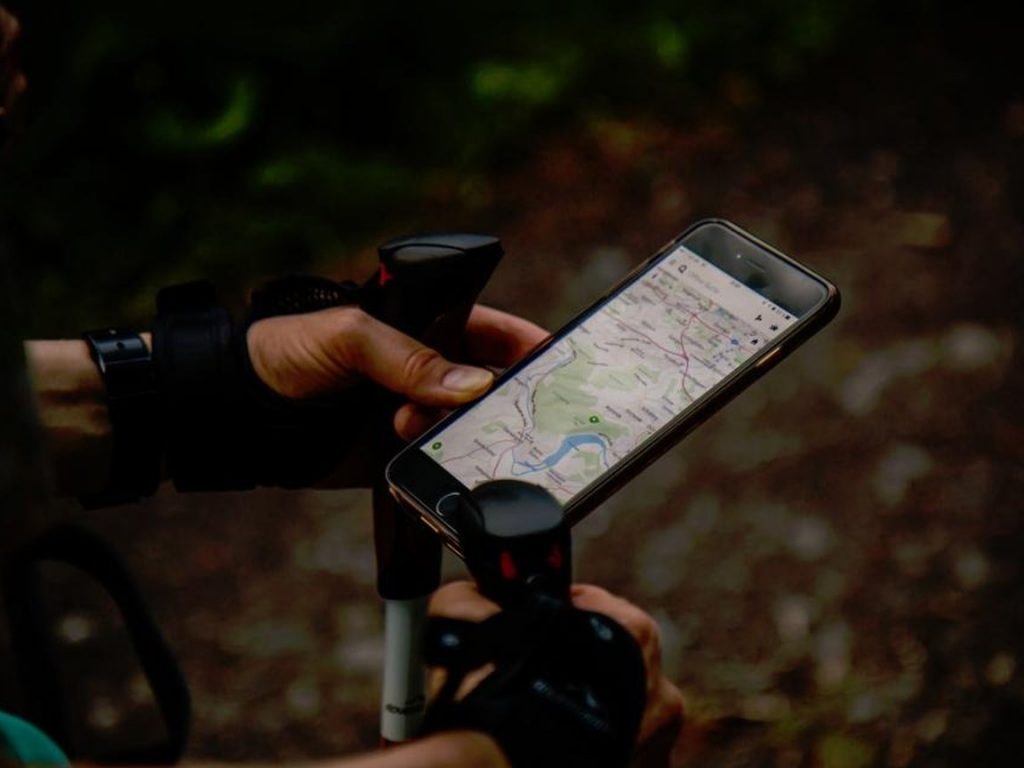
A match’s hotspot is not “the cafe Wi-Fi.” It is their connection, their password, and a device name that may still be the phone’s default, which on many phones includes a person’s name. You do not need it to sit at a table. If the cafe network is slow, use the data you already tested, or use the offline map. Decline a QR code sent “for the Wi-Fi” or “so I know you’re real.” A code you did not choose is a link you did not choose. Type addresses yourself.
CISA also suggests turning Bluetooth off when you are not using a headset or another accessory, including while you travel. For the hour of the meetup, nearby sharing can stay off too. You can show a photo with the phone in your own hand. You do not need to receive a file from someone you just met.
A network name can include the property. A hotel or hostel network is a common example. Do not join it to impress a match, and do not share the password. That detail belongs to the accommodation privacy plan, beside the room number and the door code.
Illustrative scenario B, the helpful hotspot: A traveler in Barcelona is told the cafe Wi-Fi is down and offered a personal hotspot “so we can look up a second spot.” The phone plan uses the traveler’s own data, or no data at all. A second place, if there is one, comes from the backup plan: another public pin in the same zone, chosen out loud, not from a link on someone else’s network. The Barcelona date-spot guide is useful before you leave your room, not as a reason to join a stranger’s hotspot at the table.
Keep a charged battery and a plan that survives a dead phone
A phone that dies mid-meetup does not create a reason to borrow one. Build the fallback before you leave your room.
- Charge the phone, and put a small power bank in the bag. The solo packing list already treats a battery as gear, not as a luxury.
- Download an offline map area in the maps app you already use, for the neighborhood of the pin and the transit stop you will use to leave. Do this while you still have reliable data.
- Save the local emergency number before you need it. It is not the same everywhere. In the United States and Canada it is 911. 112 is the European emergency number you can dial free of charge from fixed and mobile phones everywhere in the European Union. Some EU countries also keep a national number alongside 112. For any other country, check a current official travel page for that country before you land.
- Screenshot the pin and the end time into a note your trusted contact already understands. Do not screenshot your booking, your passport, or a door code into a thread the match can see.
Pair the battery with your daylight window and your own way home. A dead phone at dusk, in a neighborhood you cannot navigate offline, is two problems stacked. Shorten the meetup instead of stretching it until the battery decides.
If the phone does die, the date ends at the venue. You do not borrow the match’s phone to “text your friend,” and you do not hand them your locked phone to charge in their bag. Tell them, while you still can, that you are heading to transit. Then use the exit you already chose in the exit strategy. Your trusted contact already has the venue and the end time from the check-in protocol. Silence is a signal you defined ahead of time, not a puzzle for the match to solve.
Illustrative scenario C, the phone that died at the table: A traveler in Rome feels the battery drop during a first coffee and is offered a phone “just to tell someone you’re fine.” The plan was already sent: the contact knows the cafe and the end time, offline maps are on the device, and the traveler leaves on their own transit. Dating in Rome can help you pick a public area before you go. It is not a reason to finish the hour on someone else’s handset.
Keep the number, the codes, and the unlocked phone in your hands
Stay in the app through the first public hour. The pre-landing guide already says to keep the first exchange on-platform until you have a reason to move. A reason is a second public meetup you chose after the first one went well. A reason is not a complaint that the app is annoying, before a pin exists.
A personal number outlives the app. Blocking a profile does not block a text message. The U.S. Federal Trade Commission and the FBI both describe romance-scam patterns that move fast from a public conversation into a private channel, then into money, documents, or control. Keeping the number offline does not detect every scam. It keeps the first hour from handing over a direct line while you still have your own judgment.
Loving This Travel Dating Safety? Don't Explore It Alone.
Real Gallivanta members are planning trips to Travel Dating Safety right now. Join the community and turn your solo travel dreams into shared adventures.
Join Gallivanta FreeLogin codes are a harder line than the number. The FTC’s alert on verification codes is plain: if someone asks for the code, do not engage. Stop the chat. If you are worried about an account, contact the bank or the carrier with a number you already trust, not a number they just sent. The FTC’s SIM-swap guidance explains the related risk in consumer terms. A SIM swap or port-out moves your number onto a device someone else controls, which can intercept calls and texts, including login codes. The FTC’s protective steps are the ones to follow: do not answer requests for personal information, limit what you post, ask your carrier for a PIN or password on the mobile account, and prefer an authenticator app or a security key over text-message codes when the account allows it. The FCC’s cell-phone fraud guide describes the same family of schemes, including port-out, and notes that an eSIM reduces the chance of someone simply removing a plastic SIM. It does not replace a carrier PIN.
If you later want a way to text that is not your banking line, keep that choice separate from the first meetup. Gallivanta’s guide to dating safely as a solo female traveler notes that some travelers use a secondary number for this. Whatever you use, do not read a code aloud, and do not type it into a phone that is not yours.
An unlocked phone is access, not manners. Photos can be shown by you, with the phone in your hand. A request to “put your number in yourself,” “hold this while I pay,” or “let me charge it in my bag” moves the device. Decline. Your alcohol boundary plan matters here. A second drink is a common moment for a phone to be “looked after.” Looking after it is your job.
Split what a trusted contact may know from what the match may know
Someone who loves you and someone you just matched do not get the same packet. A trusted contact can hold the public pin, the start, the planned end, the area you are staying in, and the escalation you already wrote in the check-in protocol. They should be able to reach you on a channel that does not pass through the match.
Live location follows the location sharing plan. If you share a dot, share it with the trusted contact for a bounded window. Do not share it with the match. A continuous trail can reveal where you return, even when you never said the hotel name.
Do not add the match to a group message with your trusted contact. That introduction gives the match your number, and it gives them the contact’s number too. If you miss the end window, the contact follows the protocol you agreed. They do not need the match’s phone to do that.
If you are in immediate danger, contact local emergency services first. A phone plan does not replace that call. If the phone itself goes dark and will only place emergency calls, treat that as a carrier problem as well as a meetup problem. The FCC describes loss of normal service as a warning sign of a SIM swap or port-out. Contact the carrier, then your bank, once you are able. Leave the date before you start that recovery.
Strengthen the plan for women and higher-risk travelers
The same rules apply to every traveler. Women, LGBTQ+ travelers, and anyone whose identity or mobility draws more harassment often need a tighter version, because “just text me” and “I’ll walk you back if I have your number” are common ways to test whether you are alone and reachable. Gallivanta’s guides on dating safely as a solo female traveler and solo travel safety for women expand the wider context. The phone layer is specific:
- Do not confirm that you are traveling alone or that your phone is your only lifeline. “I keep first plans in the app” is enough.
- Do not give the number so someone can “make sure you got home.” Getting home is your transportation plan, not their tracking plan.
- Keep the meetup inside your daylight window, on your own data, as in the travel dating safety overview.
- If someone keeps asking after a clear no, end the plan. You do not owe a second explanation from a borrowed phone.
- A live dot, if you use one, goes to the trusted contact only, for a window you set.
Higher risk changes the margin. It does not change the right to a public plan. A match who mocks the margin is showing you how they handle a no.
Recognize phone and data red flags
Leave or cancel when the conversation turns into access to the device or the number. Concrete versions:
- Pressure for your personal number before a public pin and a time window exist
- A claim that the app, the cafe Wi-Fi, or “safety” requires your number, your hotspot, or a QR code
- A request for a verification code, a one-time password, or a carrier PIN
- A request to hold, unlock, charge, or “look after” your phone
- Anger, guilt, or a safety lecture when you stay in the app
- A plan that only works if your phone is dead, off, or in their bag
- A request to turn off your phone, your data, or your check-in for the hour
One awkward question can be a miss. A pattern after a clear answer is the signal. You do not owe a troubleshooting session. Your verification checklist already treats respect for a boundary as part of the pre-meet screen. Use it before you are standing outside with a dying battery.
The same red flags apply if the pressure is to leave the public venue, not just the app. Your public-first arrival habit and your meeting-point plan still decide the place. The phone plan decides the channel.
Scripts that keep the number private without killing warmth
Short lines are easier to send when you are jet-lagged. Adapt the place names. Keep the boundary.
- The number ask: “I don’t share my phone number on a first meet. I’ll keep this in the app. The station cafe at 4 works, and I’ll arrive on my own.”
- The hotspot: “I’ve got my own data. If the Wi-Fi is bad, we can still talk, or we can pick the time again when we’re both online.”
- The code: “I don’t share verification codes. If this is about the meetup, the public pin is enough.”
- The unlocked phone: “I’ll keep my phone with me. If you want a photo of the menu, I’ll hold it.”
- The dead battery: “My battery’s low, so I’m heading to the metro now. My check-in is already set. This was good.”
- The second meet: “I’d like another hour later this week. Same rule: a public place, and we can trade a number after that if we both still want to.”
If you want introductions with people who already expect a public first hour, look through Gallivanta’s meet-travelers path. The product does not replace the pin, the end time, or the decision to keep your number in your pocket.
Travel date phone and data action summary
Run this before you fly, and again before you leave your room.
- Choose roaming, a travel data eSIM, or a local SIM, and confirm it with your phone and your carrier. Keep the line your trusted contact and your bank already use whenever you can.
- Ask your carrier for a PIN or password on the mobile account. Prefer an authenticator app over text-message codes for sensitive accounts.
- On landing, message your trusted contact, open the map, and check the battery before you agree to a time.
- Download offline maps. Save the local emergency number. Pack a charged power bank.
- Share the public pin, the start, and the end in the app. Do not share your primary number, codes, hotspot, or unlock code.
- Send the fuller packet only to a trusted contact. Do not put the match in that thread.
- Use your own data. Confirm any cafe network with staff if you join one. Do not bank on it. Decline a stranger’s hotspot and a surprise QR code.
- Turn off Bluetooth and nearby sharing for the hour unless you are using your own headset.
- Keep the phone on you, locked, and out of anyone else’s bag.
- If the phone dies, end at the venue and take your own route. Do not borrow a phone.
- If someone presses after a clear no, or if you feel unsafe, leave and contact local emergency services. If the line goes dead except for emergency calls, contact your carrier when you are safe.
Then go have the hour. A private number and a public pin can exist on the same afternoon. That is the whole plan.
Sources, facts, and review boundaries
This guide is practical planning for solo travelers arranging short public meetups. It is not legal advice, carrier support, threat assessment, or a guarantee of safety. Roaming prices, eSIM compatibility, cafe networks, and emergency-number redirects vary by phone, carrier, and country, and they change. Verify your plan and the local emergency number before you meet.
The photographs in this package are original images made for this Gallivanta article. They are not stock photos, and they do not show a real meetup or a real traveler.
Gallivanta encourages traveler control, public-first first meetings, and proportionate boundaries. No checklist can certify another person’s intent. Use this plan so adventure and connection remain choices you can revise. Editorial standards for how Gallivanta separates reporting, composites, and product mentions are on the editorial standards page and the why trust us page.
Official guidance worth reading before you treat a number request as harmless:
- CISA: Holiday traveling with personal internet-enabled devices
- CISA: Best practices for using public Wi-Fi
- U.S. Federal Trade Commission: SIM swap scams and how to protect yourself
- U.S. Federal Trade Commission: Use two-factor authentication
- U.S. Federal Trade Commission: What’s a verification code, and why would someone ask for it?
- U.S. Federal Trade Commission: What to know about romance scams
- FCC: Cell phone fraud
- FCC: eSIM cards FAQ
- FBI: Romance scams
- European Union: 112, the single European emergency number
- RAINN: Tips for safer dating, online and in person
If you are in immediate danger, contact local emergency services. Platform reporting and official consumer reporting channels matter after you are safe. The FTC takes reports at ReportFraud.ftc.gov.
Editorial review date: October 5, 2026.
FAQ: travel date phone and data
Should I give a travel date my phone number?
Not for a first meetup. A public pin, a start time, and messages in the app are enough to coordinate. A personal number still works after you block someone in an app. If you both want a second public meetup, you can decide then whether to trade a number that is not your banking line.
Is cafe Wi-Fi okay on a first meetup?
It is optional, and it is a poor place for banking or shopping. CISA recommends your own cellular data for anything sensitive, and it recommends confirming a public network’s name with staff before you join. You can have the conversation with no Wi-Fi at all if your map is already downloaded.
Should I use their hotspot?
No. Their hotspot is their network and their password, and the device name may include a person’s name. Use the data you tested on landing, or use your offline map. A second public pin does not require their connection.
What if my phone dies on the date?
End at the venue and take your own route. Your trusted contact should already have the pin and the end time, and you should already have an offline map and a power bank. Do not borrow the match’s phone to send a check-in, and do not hand over yours to be charged in their bag.
Is a travel eSIM enough?
It can cover data on a phone that supports it, in a country the plan covers. Check both before you fly. An eSIM does not replace a test message to your trusted contact, a carrier PIN, or the decision to keep login codes off the chat. If the eSIM would replace the number your bank texts, sort that out before you are locked out, not during the meetup.
What if they ask for a verification code?
Do not send it. The FTC says not to engage with someone who asks for a verification code, and to contact your bank or carrier through a number you already trust. Leave the meetup if you are still in it. A code is not a vibe check. It is account access.

Fact-checked | Safety reviewed | Updated October 5, 2026
Ready to Meet Your Next Travel Date?
You've got the destination, the vibe, and the courage to go solo. Now all you need is someone who gets it. Join Gallivanta and meet fellow travelers who believe the best chapters start with a one-way ticket.
Join Gallivanta Free